
Last updated October 30, 2026
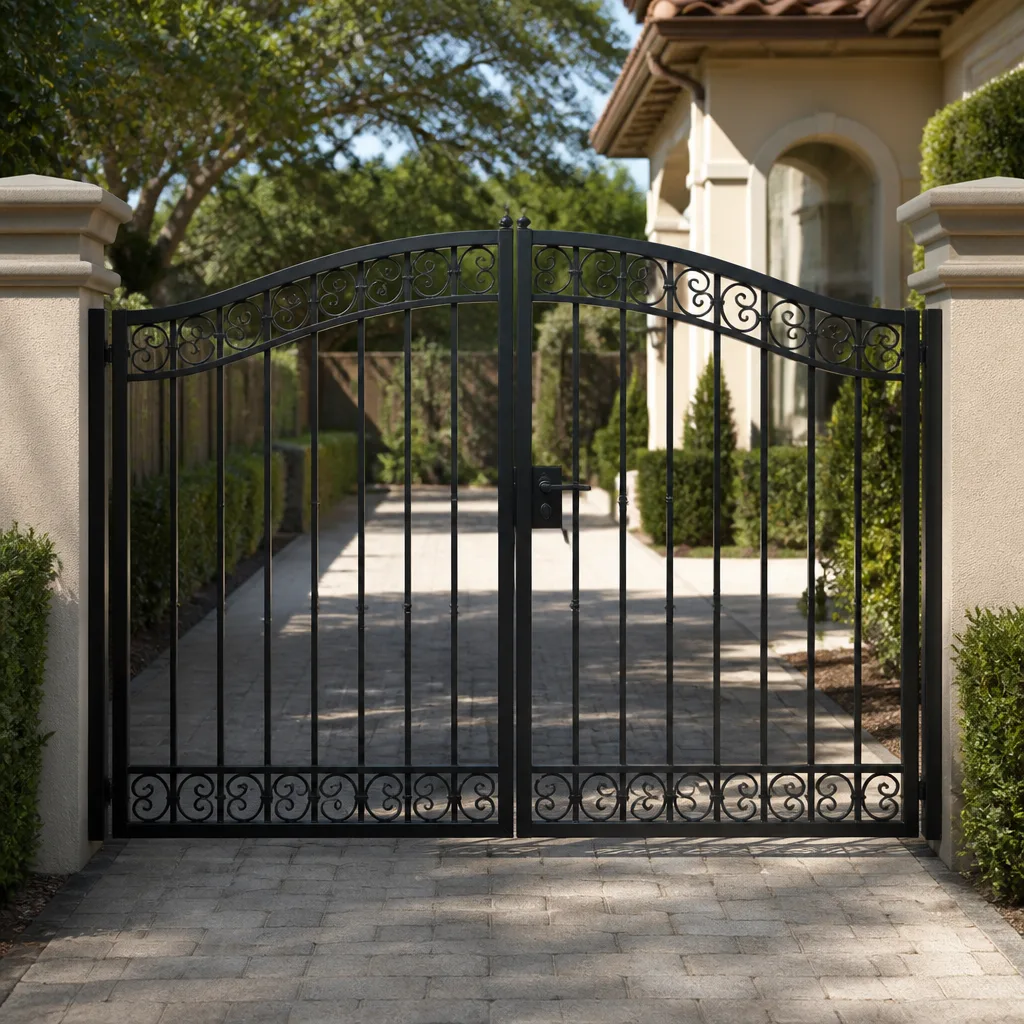 Wrought iron
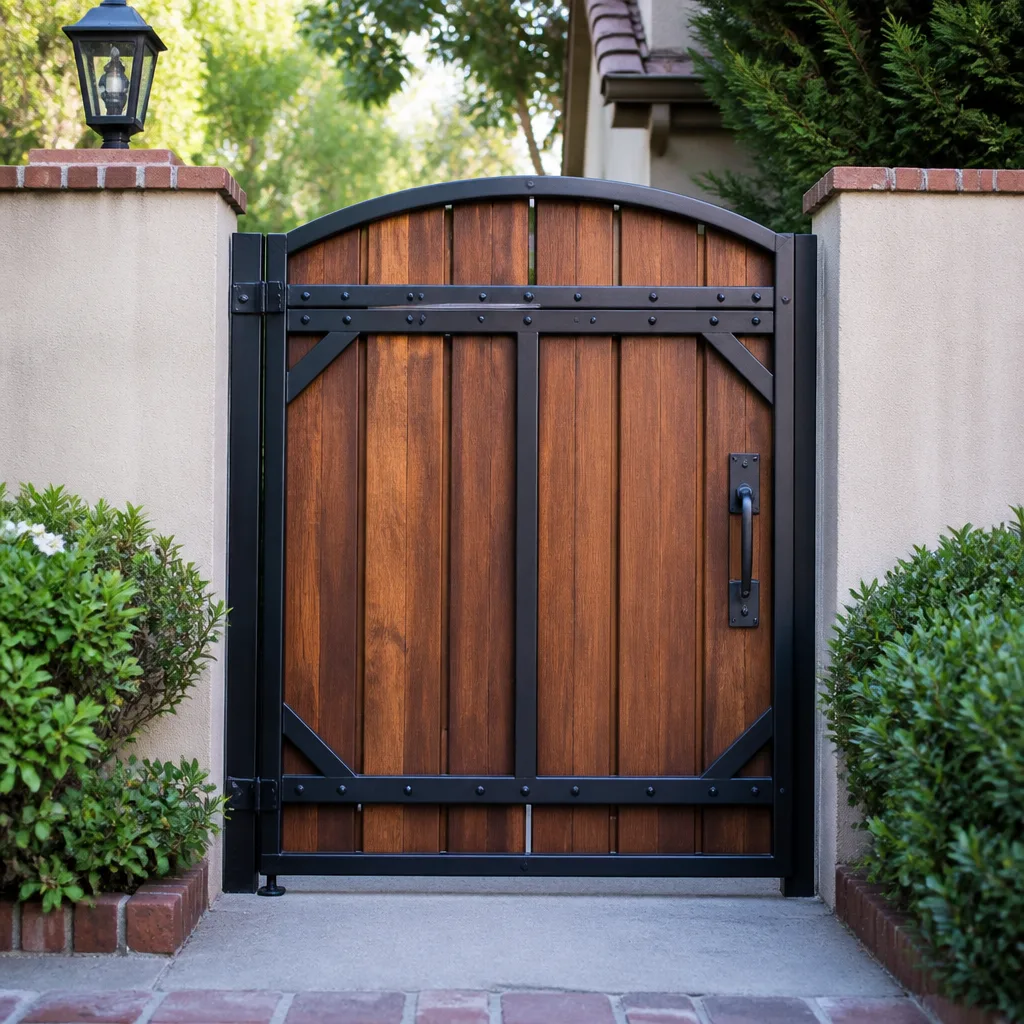 Wood & steel frame
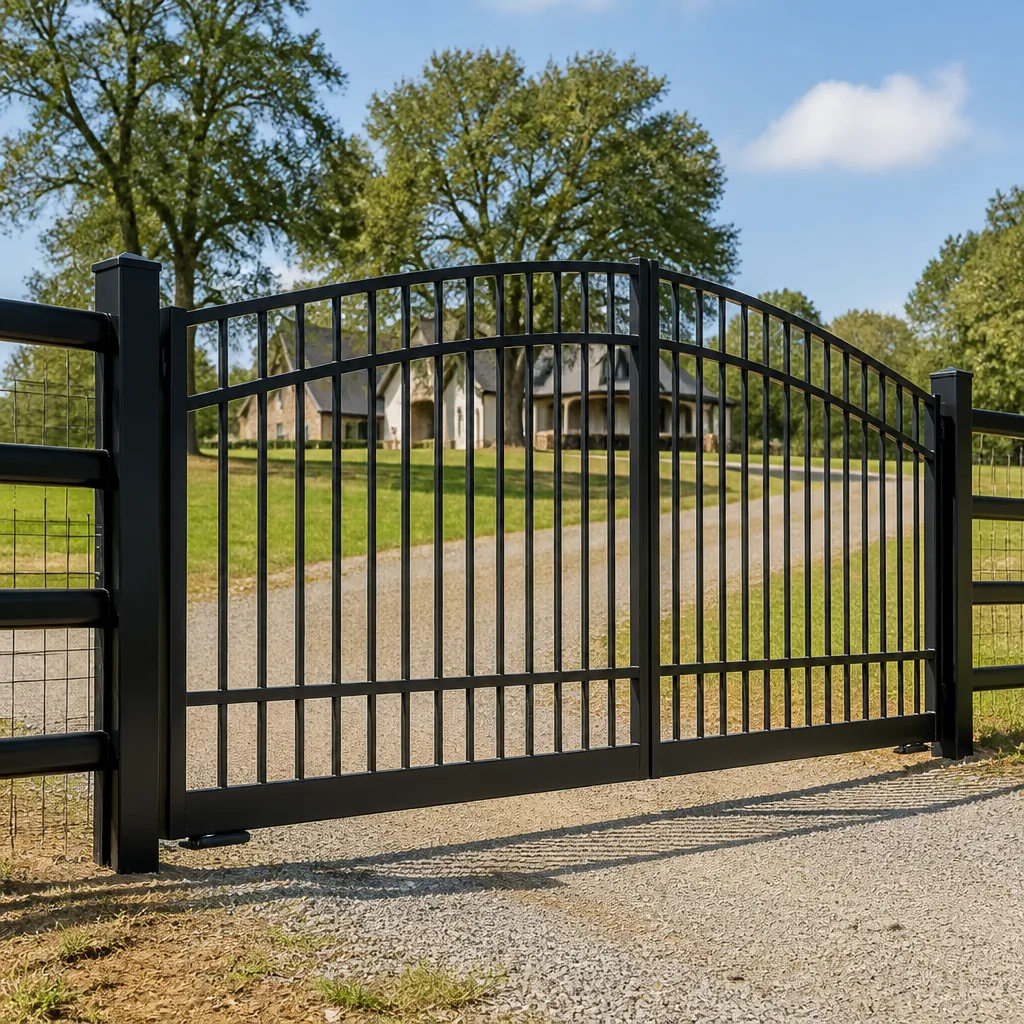 Farm & ranch
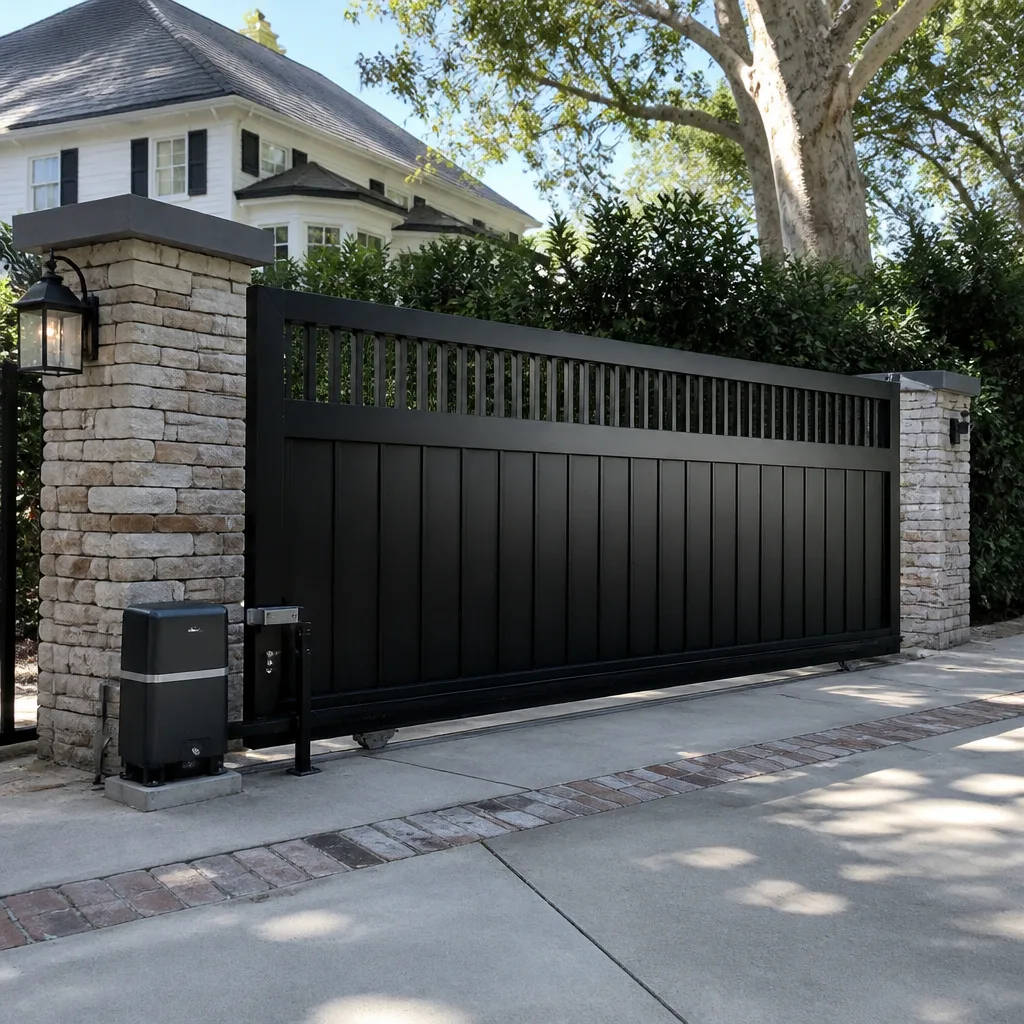 Sliding driveway gates
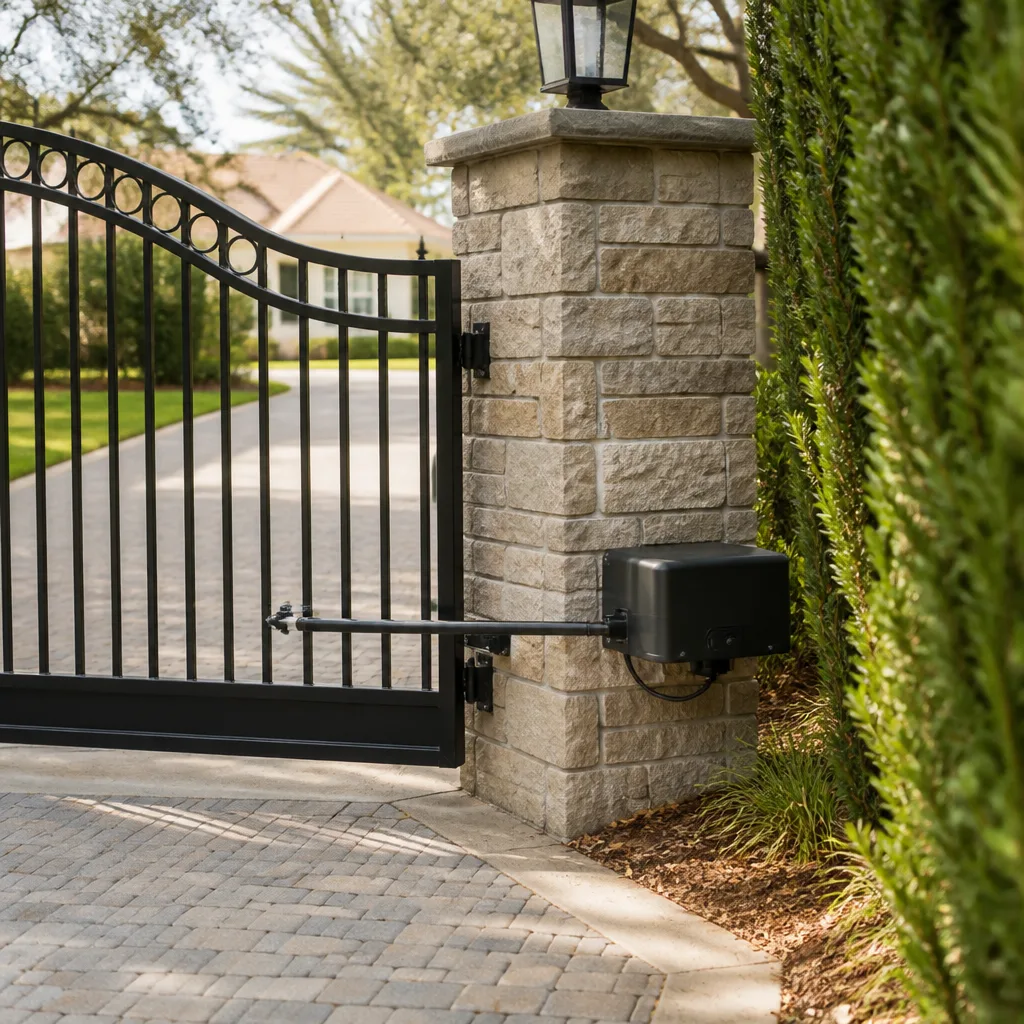 LiftMaster operators
Free on-site gate assessment - hinges, posts, and your LiftMaster or Nice gate operator checked before anything is quoted
The assessment is free and the quote is the invoice.
Get your free estimateGate Repair Emergency Preparedness Guide for Jacksonville Homes
During Hurricane Irma, hundreds of Jacksonville homeowners discovered their automated gate had a manual release, but couldn’t locate it in the dark, under stress, with water rising. The release was 18 inches from where they were searching. That moment, repeated across St. Johns County and Duval County neighborhoods from Mandarin to the Beaches, revealed a gap in how Jacksonville families prepare for storms: we plan for the house, the windows, the generator, but almost nobody plans for the gate. This guide closes that gap. You’ll learn how to locate and test your manual release before an emergency, what battery backup actually works through a multi-day outage, how to handle a gate stuck open versus stuck closed after a storm, and how to assess flood damage without frying your operator’s control board.
Quick Answer
Gate repair emergency preparedness in Jacksonville means knowing your operator brand’s manual release procedure before a storm hits, having the right battery backup or release plan for multi-day outages, and knowing whether a stuck-open or stuck-closed gate is the bigger security problem after the storm passes. For professional help, our Gate Repair services are available before and after severe weather. We recommend every Jacksonville home with an automated gate spend 20 minutes this week locating, testing, and documenting the manual release, then writing down a family access plan and a professional contact number.
Styles & brands we work with
Table of Contents
- Locating and Testing Your Manual Release Before an Emergency
- Battery Backup That Actually Sustains a Jacksonville Outage
- The Written Emergency Access Plan Every Household Needs
- Stuck Open vs. Stuck Closed: Different Security Responses
- Assessing Flood Damage to Gate Operators Safely
- Post-Storm Gate Assessment: A Step-by-Step Checklist
- Common Mistakes to Avoid
- When to Call a Professional
Locating and Testing Your Manual Release Before an Emergency
Every automated gate operator sold in Jacksonville has a manual release mechanism, a physical way to disengage the motor so you can push the gate open by hand. The problem is that the release looks different on every brand, sits in a slightly different spot, and requires a slightly different motion. Add darkness, rain, and adrenaline to the equation and a procedure that takes 30 seconds in daylight becomes a 20-minute ordeal in an emergency. We’ve seen Jacksonville homeowners post-storm who spent longer trying to release their gate than they spent securing their entire lanai.
The fix is simple: locate and test your release now, when the sun is up and you’re not in a hurry. Then write the procedure down in plain language and tape it inside the garage door or on the operator housing. If you have to perform it at 2 a.m. with a flashlight in your mouth, you’ll be glad you did.
Here are the manual release basics for the brands we most commonly service in Jacksonville:
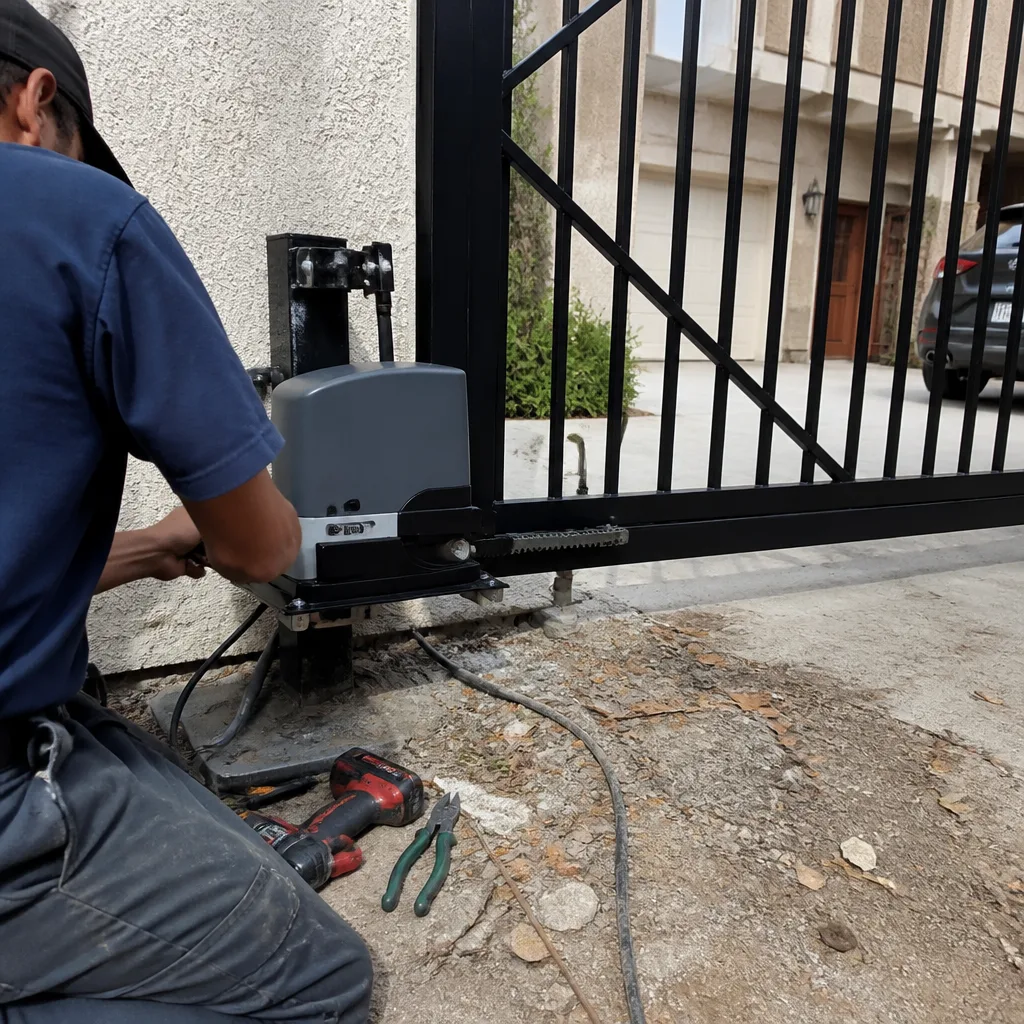
- LiftMaster slide operators: Look for a red or yellow release handle on the side of the operator unit. Pull it firmly. You’ll hear a click as the gear disengages. The gate is now free to push manually.
- Mighty Mule swing operators: These units have a keyed release on the top of the actuator arm. Insert the key, turn it 90 degrees, and the arm unlocks. The gate can then be swung by hand.
- DoorKing operators: These typically use a chain-driven trolley with a release lever on the trolley itself. Pull the lever down and the chain disengages. DoorKing releases can be stiff, so use both hands.
- Elite swing operators: Look for a black release knob on the operator housing. Pull it straight out and rotate it to lock in the disengaged position. Some Elite models require you to hold the knob while pulling the gate.
Testing is the part most Jacksonville homeowners skip, and it’s the part that matters most. The release arm on a gate that hasn’t been disengaged in five years may be corroded in place, especially in our salt air near the coast. You don’t want to discover that during a mandatory evacuation. Test the release, put the gate back in automatic mode, and verify the operator re-engages properly. If the release is stiff or the gate won’t re-engage cleanly, that’s a mechanical issue worth addressing before the storm, not after. Call us at (877) 265-5090 and we’ll walk you through it or send a technician.
If you’re not sure which operator you have or where the release is, snap a photo of the unit and the label and check the manufacturer’s manual online. Every major brand, including the ones we service daily at Gate Repair in Jacksonville, publishes PDF manuals with clear diagrams. Ten minutes of reading now beats an hour of fumbling later.
Battery Backup That Actually Sustains a Jacksonville Outage
Here’s a number most Jacksonville homeowners don’t know: the stock backup battery on most residential gate operators runs the gate for 10 to 20 cycles, not for days. A cycle is one open or one close. If you’re coming and going during a storm, checking on a rental property, or shuttling family members, you can burn through that in a single afternoon. Then the gate is dead, and if it died mid-cycle, it may be stuck half-open with the motor disengaged. That’s not a security system, it’s a liability.
The marketing for battery backups tends to blur the difference between “keeps the gate running for a while” and “keeps the gate running through a multi-day outage.” Those are two completely different scenarios. A standard 7Ah sealed lead-acid battery, the kind that ships with many operators, is designed for brief power blips and maybe a few hours of light use. It’s not designed for the 3 to 5 day outages that Jacksonville neighborhoods experienced after Irma and Matthew, when JEA crews were working around the clock but some areas still waited days for restoration.
What actually matters for Jacksonville outage preparedness:
- Battery capacity in amp-hours (Ah): Bigger is better, but only up to a point. A 35Ah battery doesn’t help if the operator’s charging circuit can’t maintain it. Check your operator’s maximum recommended battery size before upgrading.
- Charging circuit health: If the operator’s battery charger has failed, the battery is dead weight. Test this by unplugging the operator and running the gate on battery. If it barely moves, the battery or the charger needs attention.
- Solar assist: In Jacksonville, we get enough sun that a properly sized solar panel can extend battery life significantly. This is common on Mighty Mule and Ghost Controls systems installed in rural parts of the county. A 10-watt panel adds meaningful run time during daylight hours, even on cloudy days.
- External generator integration: Some operators can be wired to accept generator power through a transfer switch or dedicated outlet. This is a job for a licensed electrician and a knowledgeable gate technician, not a DIY project.
The honest answer is that no battery backup makes an automated gate work like normal through a week-long outage. The practical goal is to keep the gate operational for a few days of light use, or to make manual operation straightforward when the battery dies. That’s why the manual release section above matters as much as the battery section. The two work together. A dead battery plus a corroded release is the worst-case scenario. A dead battery plus a documented, tested release is a manageable inconvenience. For homeowners considering an upgrade to their backup system, we’re happy to assess your operator and recommend what fits your budget and your property, from repair to installation.
The Written Emergency Access Plan Every Jacksonville Household Needs
Every household has an emergency plan for people, pets, and property. Almost none of them include the gate. But think about what happens when a storm knocks out power and someone needs to get into your driveway: a family member coming to help, a neighbor checking on the house, an emergency responder. If they can’t get through the gate and they don’t know how to release it, they’re stuck outside, and in an emergency, that’s not just inconvenient, it’s dangerous.
We recommend every Jacksonville home with an automated gate write down an emergency access plan and share it with every adult in the household, plus one trusted neighbor or relative who lives nearby. Here’s what it should include:
- Your gate operator brand and model. Write it down. You’d be surprised how many homeowners don’t know what’s powering their gate until something breaks. The brand plate is on the operator housing.
- The manual release procedure, step by step. In your own words, not manufacturer jargon. “Pull the red handle on the operator box, then push the gate toward the street.” That’s a complete instruction.
- The location of the release tool or key. Some brands, including Mighty Mule and certain Elite models, require a key or tool to disengage. Store it in a labeled spot near the gate or in the garage.
- The property address and gate location. If a neighbor is helping, they may not know your gate is a slide gate on the north side of the property.
- A professional contact number. Villa Gate Repair’s number, (877) 265-5090, is a good place to start. Write it on the plan. In a storm aftermath, you won’t want to search for it.
- Your JEA outage status. Knowing whether the whole neighborhood is dark or just your gate is down changes what you do next. JEA’s outage map is public and worth checking before you assume the gate itself failed.
This is not about paranoia. It’s about the same logic that makes you label your breaker panel. In an emergency, the parts of your brain that handle fine motor skills and complex procedures are compromised by stress. A written plan cuts through that. We regularly work with Jacksonville homeowners who tell us, after a storm, that they wish they’d had this written down. The ones who do have it written down are the ones who call to schedule routine maintenance instead of emergency repair.
Stuck Open vs. Stuck Closed: Different Security Responses
After a storm passes, your gate will be in one of three states: working, stuck open, or stuck closed. Most Jacksonville homeowners assume stuck closed is the problem and stuck open is fine. That assumption is backwards, and it can be expensive.
If your gate is stuck closed, you have a convenience problem: you can’t get your car in or out. You can walk around or through a pedestrian gate. The property stays secure. It’s frustrating, but it’s not an emergency. You can afford to take a breath, assess the situation, and call a technician.
If your gate is stuck open, you have a security problem: anyone can walk or drive onto your property. In a post-storm Jacksonville, when contractors and roofers and tree crews are moving through neighborhoods, an open driveway is an open invitation. We’ve seen gates stuck open in Neptune Beach and Riverside after storms, and homeowners who didn’t prioritize the repair came home to find things missing. Not always, but often enough that we mention it.
Here’s the practical difference:
- Gate stuck closed: Secure the property another way if needed, leave the gate as is, and schedule a repair. Don’t force it. Forcing a stuck gate can bend the rack, damage the operator, or throw the gate out of alignment, turning a simple fix into a full gate installation job.
- Gate stuck open: Treat this as a higher-priority issue. If you can’t close it manually, position a vehicle across the opening or use temporary barriers. Then call for repair sooner rather than later. If the gate is stuck open because the opener failed mid-cycle, don’t keep pressing the remote; you may be compounding an electrical problem.
One more nuance: a gate stuck open during a storm is often a sign of a safety sensor issue, not a motor failure. Storm debris, standing water, or a shifted photo eye can trigger the operator’s safety reversal, which reads as “obstruction” and holds the gate open. That’s often a fast fix once a technician can inspect the sensors and wiring. A gate stuck closed is more likely mechanical: a bent track, a failed gear, or a dead motor. Both are repairable. Neither requires replacing the whole system unless the damage is extensive.
Assessing Flood Damage to Gate Operators Safely
Jacksonville is a flood-prone city, full stop. From the tidal surge along the St. Johns River to the street flooding in San Marco and the low-lying areas of Arlington, water finds its way onto properties. When it finds its way into your gate operator, the damage can be immediate or it can be delayed by weeks. The operator control board, the motor windings, the transformer, and the limit switches are all vulnerable to water intrusion.
The dangerous mistake is powering the gate back on too quickly. If water got inside the operator housing and you restore power while the board is still damp, you can short the board, fry the transformer, or worse. This is a live electrical component attached to a large metal object. Treat it with respect.
Here’s the safe sequence we follow when we assess a flooded gate operator, and it’s a good framework for homeowners to understand:
- Cut power at the breaker before touching anything. Not the remote, not the wall switch, the breaker. The breaker is the only reliable way to know the operator is dead.
- Inspect the housing for standing water or high-water marks. If you can see a water line on the operator box, assume water got inside. Even sealed housings have vent holes and cable entries that let water in under pressure.
- Look for corrosion on terminals and connectors. Salt water accelerates corrosion dramatically. Jacksonville’s coastal neighborhoods see operator corrosion that inland cities never do. Green or white crust on terminals means water was present.
- Do not restore power until the unit is dry and inspected. Drying time varies. A few days of sun and airflow can dry a lightly damp unit, but a unit that was submerged needs a professional inspection before power is restored.
- If the board or motor was submerged, plan for replacement. Submerged electronics can sometimes be cleaned and saved, but the failure rate is high, and a board that works today can fail in three weeks. We usually recommend replacing flood-damaged boards rather than gambling.
A note on insurance: flood damage to a gate operator is often covered by flood insurance if the operator is part of the structure, but many policies have specific exclusions for “landscaping features” and “detached accessories.” Check your policy language before you file a claim. We’ve seen Jacksonville homeowners surprised both ways, some covered and some not. A written description and photos of the damage before you touch anything will help your claim regardless.
For the assessment and repair of flood-damaged gate operators, electric gate repair in Jacksonville is our core service. We diagnose water damage, replace damaged boards and motors, and recondition the mechanicals so the gate operates reliably again. The goal is not just to get it running, but to make sure the next storm doesn’t find a weakened system.
Post-Storm Gate Assessment: A Step-by-Step Checklist
When the storm passes and you’re walking your property, here’s the gate inspection we recommend every Jacksonville homeowner do before you touch a remote or a breaker. This is designed to catch problems when they’re small, before they become a stuck gate or a burned-out motor.
- Visual inspection of the gate itself. Walk the full length. Look for debris in the track (slide gates) or under the gate leaf (swing gates). Look for bent rails, warped panels, or anything that wasn’t there before. A branch in the track is often the entire problem.
- Check the operator housing. Is it still mounted level? Any signs of water intrusion? Any damage to the housing from flying debris?
- Check the power source. Is the breaker tripped or still on? Is there an external disconnect that’s off? Before you reset anything, make sure the operator housing is dry.
- Test the safety sensors. Photo eyes and loop detectors can be knocked out of alignment by wind or debris. Wave your hand in front of the photo eye while the gate is opening. It should reverse. If it doesn’t, the sensor is not working and the gate is unsafe.
- Run one full cycle using the manual release first. Disengage the motor and push the gate open and closed by hand. Does it move smoothly? Any grinding or binding? A gate that’s hard to push manually is a gate that will eventually burn out its motor.
- If manual operation is smooth, re-engage and test automatic operation. One open and one close. Listen for unusual sounds, watch for jerky movement, and note any hesitation. If anything seems off, call before the problem grows.
- Document everything with your phone. Photos and video are useful for insurance, for the technician, and for your own records. A 30-second video of the gate operating normally today is a useful baseline for comparison next week.
If every step passes, your gate is probably fine, and you can shift your attention to the rest of the property. If any step fails, especially steps 4 and 6, the problem is likely to get worse, not better. Gate problems compound. A sticky hinge today is a bent arm next month. A misaligned sensor today is a motor that runs against resistance and burns out in six months. We’d rather see you for a quick adjustment now than an expensive repair later.
Common Mistakes to Avoid
- Testing the manual release for the first time during an emergency. This is the big one. The manual release is the single most important safety feature on your automated gate, and most Jacksonville homeowners have never touched it. Test it now, document it, and practice it once a year.
- Assuming a stock battery backup is enough. The battery that came with your operator is sized for brief outages, not the multi-day events Jacksonville experiences. Know your battery’s capacity, know its age, and plan accordingly.
- Forcing a stuck gate with the motor. When a gate won’t move, the instinct is to hold the remote button down or shove the gate. That’s how you strip gears, burn out a motor, or bend a track. Use the manual release and move the gate by hand, or call a professional.
- Restoring power to a flooded operator. If there’s any chance water got into the housing, cutting power and calling for an inspection is the safe move. Water plus electricity plus a metal gate is not a combination to gamble with.
- Ignoring a gate stuck open after a storm. A stuck-open gate is a security hole, not a minor annoyance. Prioritize it. If you can’t close it manually, block the opening and call for repair.
- Skipping the safety sensor test. Photo eyes and safety loops are what keep the gate from closing on a car, a child, or a pet. After a storm, they’re often knocked out of alignment, and a gate that doesn’t reverse on obstruction is dangerous. Test them every time.
- Treating the gate as an afterthought in your storm plan. Jacksonville homeowners put plywood over windows, fill sandbags, and stock the pantry, but they don’t plan for the gate. The gate is the entry point to the property. If it fails, everything behind it is harder to access and harder to protect.
When to Call a Professional
Some gate problems are clearly DIY territory, like clearing debris from the track or testing the manual release. Others are not. If you see sparks or smell burning near the operator, don’t touch it, cut power, and call a professional. If the gate was submerged in flood water, don’t restore power until it’s been inspected. If the gate is binding, grinding, or making sounds it didn’t make before the storm, that’s a mechanical problem that will only get worse. If you’ve tested the manual release and the gate still won’t move, or if the operator won’t re-engage, call a technician who specializes in gates, not a general handyman. Villa Gate Repair offers free estimates in Jacksonville, call (877) 265-5090.
See the difference
 Before
 After
After Before
 After
After Before
 After
AfterFrequently Asked Questions
Emergency gate repair in Jacksonville typically runs between $180 and $450 depending on the fault. A manual release adjustment or sensor realignment sits at the lower end, while a control board replacement or motor repair sits at the higher end. The price is always quoted and agreed before any work starts. Call (877) 265-5090 for an exact quote, estimates are free.
If your gate is stuck open after a storm in Jacksonville, we prioritize those calls because an open gate is a security risk. We work in Mandarin, the Beaches, Arlington, and throughout Duval County. Call (877) 265-5090 and we’ll give you a realistic arrival window, and the price is quoted and agreed before we start.
We service LiftMaster, FAAC, BFT, Linear, Viking, Ghost Controls, DoorKing, Elite, and Mighty Mule, which covers the vast majority of gates installed in Jacksonville. We work on your brand. Whether it’s a DoorKing slide operator or an Elite swing system, our technicians diagnose by brand-specific knowledge rather than guesswork.
For a manual gate, there’s nothing to turn off. For an automated gate, leave it powered but understand its battery backup limits. The more important preparation is testing and documenting the manual release so you can operate the gate by hand if power fails. If you’re evacuating, you may choose to put the gate in manual mode and close it before you leave.
The two most common causes in Jacksonville are a misaligned safety sensor and a tripped breaker inside the operator. The sensor won’t let the gate close because it thinks something is in the way, and the breaker may have tripped during the outage and not reset properly. Check the breaker first, then the sensor alignment. If neither fixes the issue, call (877) 265-5090.
Yes, our gate installation in Jacksonville service covers new and replacement gates from the brands we repair. If a storm has damaged your gate beyond reasonable repair, or if you’re building a new home and want automation included from day one, we provide a free measure and a written price before any work begins.
The Bottom Line
Jacksonville homeowners prepare for hurricanes with plywood, sandbags, and generators, but the gate, the primary entry point to the property, is almost always missing from the plan. That’s the gap this guide closes. Know your operator’s manual release and practice it before you need it. Understand what your battery backup can and can’t do. Write down an emergency access plan and share it with your household. Treat a stuck-open gate as a security problem and a stuck-closed gate as a convenience problem. Assess flood damage carefully and keep power off until you’re sure it’s safe. If you do these things, your gate will be an asset after the next storm, not another emergency to manage. If you need help, call Villa Gate Repair at (877) 265-5090. We’re gate-only specialists serving Jacksonville, and we work on your brand. For more guides & resources on gate maintenance and storm preparation, visit our blog.
Written by the team at Villa Gate Repair, serving Jacksonville since 2012.